



Billable time
How to track billable hours for client work
Track billable hours by project and send GST invoices from the same tool.
- 14-day free trial
- No credit card
- ₹120/user/month + GST
Why billable hours go missing
If you track billable hours for client work, they only count when they're logged against a billable project or task. Spreadsheets and free timers lose task context, and you end up redoing timesheets on Friday when someone forgot to start the clock. Start with our free weekly timesheet template if you are still on sheets, or use Trakkar's desktop tracker and manual entries tied to the right project and task so billing matches what your team actually delivered.
Trakkar Premium (₹120/user/month + GST) keeps rates, tasks and clients together.
Billable vs non-billable · project rates
How it works in Trakkar
A practical workflow your team can run every billing cycle.
- Create projects with client and billing contextAdd the client, project lead, and default billable flag. Link tasks so time rolls up to the right budget and invoice line items later.
- Set cost rates per person or projectSet each person's hourly cost, and a project rate where it differs. The Profitability report uses it to show cost to date against each project's value.
- Track time on desktop or submit manual entriesStart the desktop tracker on a task, or log manual time with notes. Keep internal rework on non-billable projects or tasks so it doesn't inflate client totals.
- Review time correctionsManagers approve time corrections in the Requests queue, so any fixes are in before you bill.
- Export the project time report, then invoiceFilter billable hours for the billing period and confirm the totals. Then create a GST invoice from your saved products or typed lines, linked to the project. No copy-pasting into Zoho or Tally.
Want to see it on your own team first?
We'll show you the desktop timer, timesheets and hours on every task card, then answer your questions.
Or try it free for 14 days (opens in a new tab), no card needed.
What this looks like in Trakkar
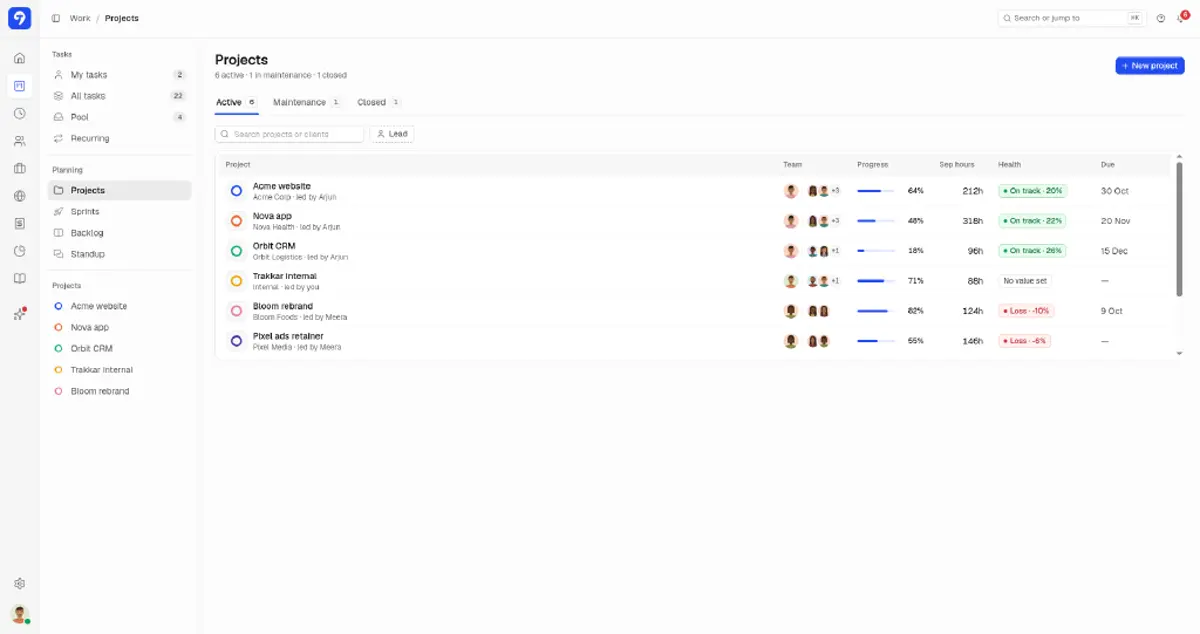
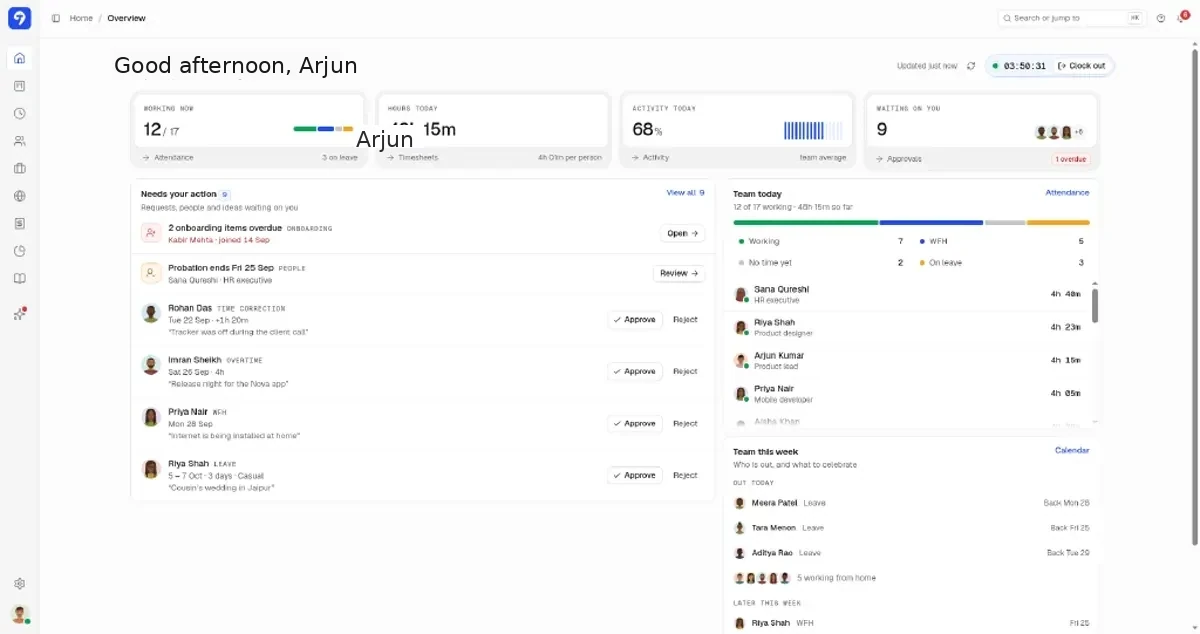
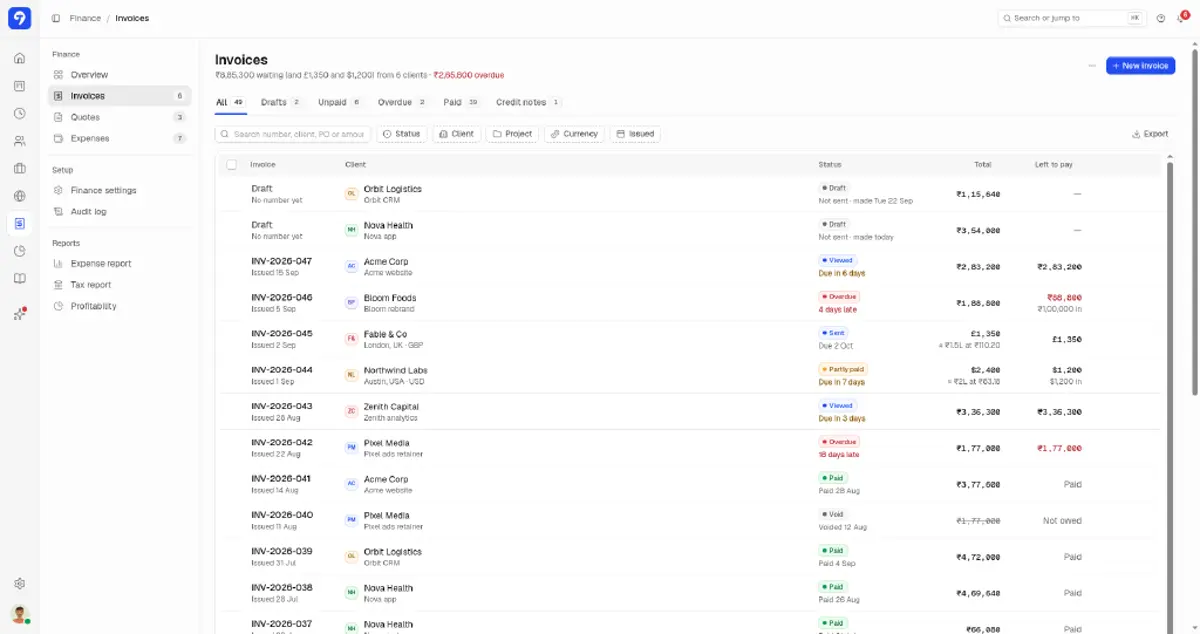
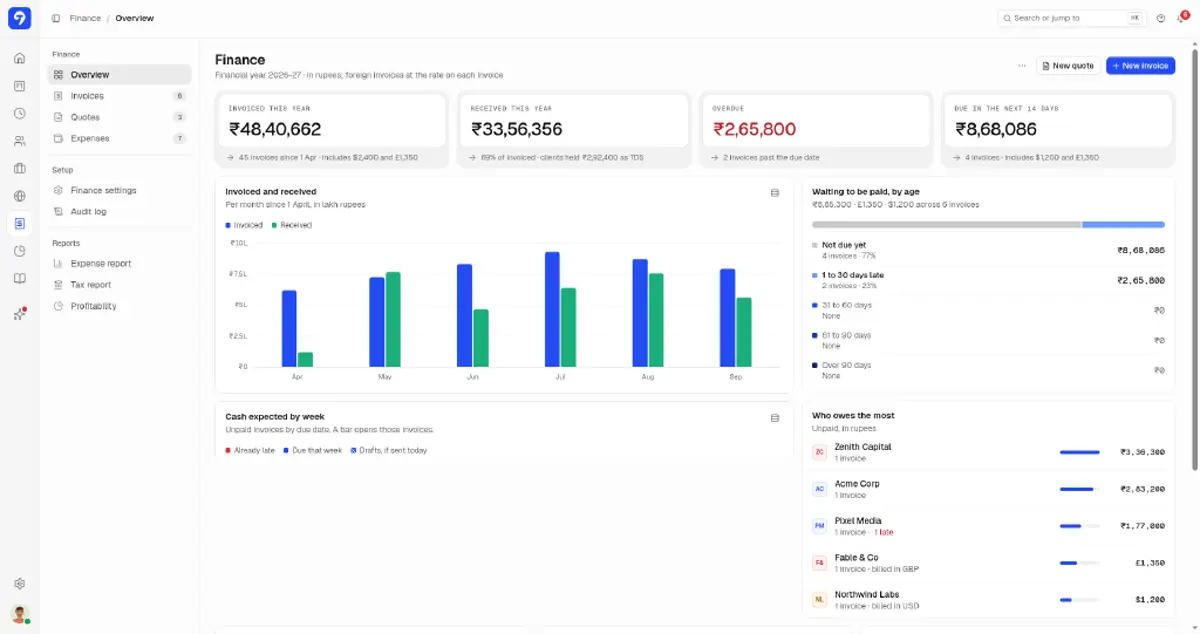
Billable hours need project context, and a timer alone won't give it
A running clock without a project is useless when the client disputes the invoice.
Trakkar logs every session against a project and task. Project reports show billable vs non-billable hours and billable %, and the project page's Budget used meter tracks cost against project value, so you catch under-logging before the billing cycle closes. See time tracking software for India for the full product view.
- Desktop tracker with screenshots and app and URL tracking
- Manual time entries, plus time corrections approved by managers
- Billable flag on projects, tasks, and recurring tasks
- Project time reports with custom date ranges
- GST invoices with client GSTIN, linked to the project
That includes recurring tasks you set up once.
INR rates, GST invoices, and client portal
₹120/user/month + GST
Trakkar Premium is ₹120/user/month and includes GST invoicing, Indian leave types, and a client portal. That replaces a Clockify or Toggl tier plus separate invoicing software.
Trusted by 100+ teams across India






Common questions
How do I mark hours as billable in Trakkar?
Mark the project or task as billable (recurring tasks too). Time logged against it counts as billable hours in project reports, next to unbillable hours and billable %.
Can managers approve time corrections before invoicing?
Yes. Time corrections go to managers in the Requests queue, alongside leave, WFH, overtime and expense requests, so you can sort them out before you send the invoice.
Does Trakkar replace Clockify or Toggl for billable work?
It can, if you also want attendance, leave, and GST invoicing in the same tool. Trakkar Premium includes those plus screenshots at ₹120/user. See our Clockify and Toggl alternative pages, or the best time tracking software in India shortlist for a full comparison.
Can I bill different rates per person per project?
Yes, on the invoice: price each client's lines as you like. For profitability, set each person's cost rate and each person's bill rate on the project. CA and accounting practices can also read time tracking software for CA firms.
What does billable time tracking cost on Trakkar?
Time tracking, approvals, project reports, and GST invoicing are included in Trakkar Premium at ₹120/user/month.
Try Trakkar
₹120/user/month + GST ($5/user/month outside India). 14-day free trial for any number of users, no credit card. Every module is included.